n8n Code Node in AI Workflows: When the Built-In Nodes Are Not Enough
Five places where a Code node belongs in an AI workflow, with working JavaScript snippets for each.
AI-drafted, reviewed by Muhammad Qasim Hammad on July 21, 2026. See our AI disclosure.
Table of contents
The built-in AI nodes in n8n cover the common cases: a prompt goes in, a response comes out, and a parser turns it into JSON. But the moment you need to batch 50 rows through a model, reshape an API response before the agent sees it, or build a custom scoring function the model cannot handle, the visual nodes hit a wall. The n8n Code node lets you drop into JavaScript wherever the built-in nodes cannot reach, and in AI workflows that gap shows up more often than you expect.
This guide covers the five places where a Code node belongs in an AI workflow, with working snippets for each one. If you have built a few n8n AI workflows and hit a moment where you wished you could "just write a function," this is the reference.
Where does a Code node fit in an AI workflow?#
A Code node belongs anywhere you need logic the visual nodes cannot express: reshaping data before the model sees it, post-processing the model's output into a format downstream nodes expect, building dynamic prompts from variable-length input, scoring or filtering results with rules too specific for an IF node, or calling an API that has no native n8n integration.
The key distinction is deterministic versus generative. The AI Agent and LLM Chain nodes are for generative work: classification, summarization, drafting. The Code node is for deterministic work: string manipulation, math, filtering, reformatting, API calls with exact parameters. Mixing the two is where AI workflows get reliable, because you keep the AI on the creative side and the Code node on the mechanical side.
A common mistake is trying to make the model do what a function should. Asking an LLM to calculate a percentage, reformat a date, or deduplicate a list wastes tokens and introduces randomness. A 3-line Code node does those jobs faster, cheaper, and without the variance.
| Task | Right tool | Why |
|---|---|---|
| Classify a support ticket | AI Agent or LLM Chain | Requires language understanding |
| Reformat a date from US to ISO | Code node | Deterministic string operation |
| Score a lead from 1-10 on 3 criteria | Code node | Rule-based math, no model needed |
| Summarize a 2,000-word document | LLM Chain | Requires compression and judgment |
| Deduplicate rows by email | Code node | Exact match logic |
| Draft a personalized reply | AI Agent | Requires tone and context |
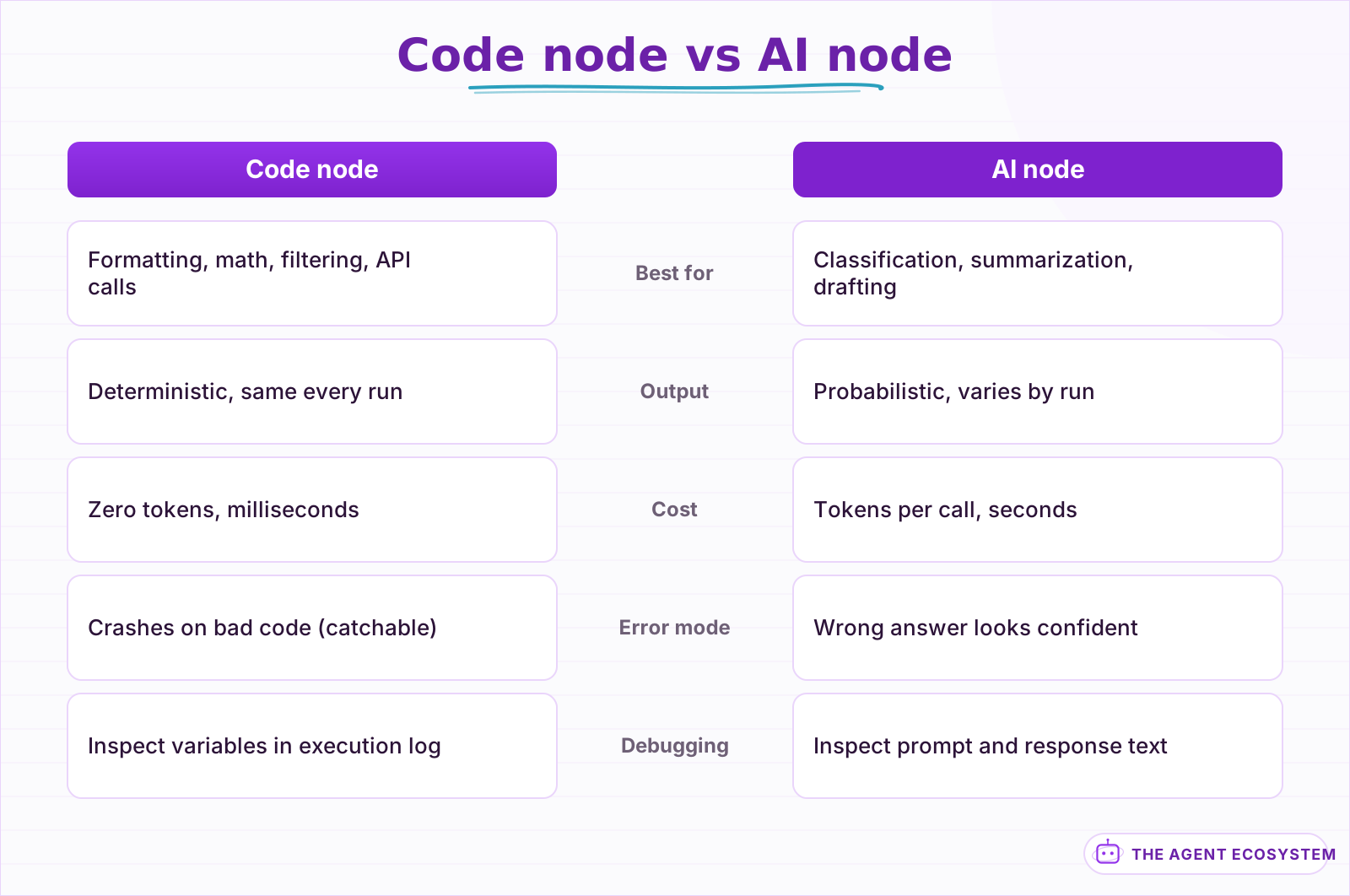 Deterministic tasks belong in a Code node; generative tasks belong in an AI node. Mixing the two is how AI workflows get reliable.
How do you reshape data before the model sees it?#
Write a Code node between your data source and the AI node to clean, merge, or truncate the input so the model gets exactly what it needs. Strip HTML tags, merge fields into a single prompt string, and cap the character count so you stay inside the context window and stop paying for tokens the model ignores anyway.
Here is a working pattern. Your data source returns an item with body (HTML), subject, and sender fields. The AI node needs a single clean text prompt:
const items = $input.all();
return items.map(item => {
  const body = item.json.body
    .replace(/<[^>]+>/g, '')
    .replace(/\s+/g, ' ')
    .trim()
    .slice(0, 4000);
  return {
    json: {
      prompt: `From: ${item.json.sender}\nSubject: ${item.json.subject}\n\n${body}`
    }
  };
});
The strip-and-truncate pattern saves real money at scale. A 10,000-character HTML email with headers, footers, and styling carries roughly 6,000 characters of noise. Stripping that before the model sees it cuts token cost by 40-60% per item without losing any information the model needs. Across 100 items a day, that adds up.
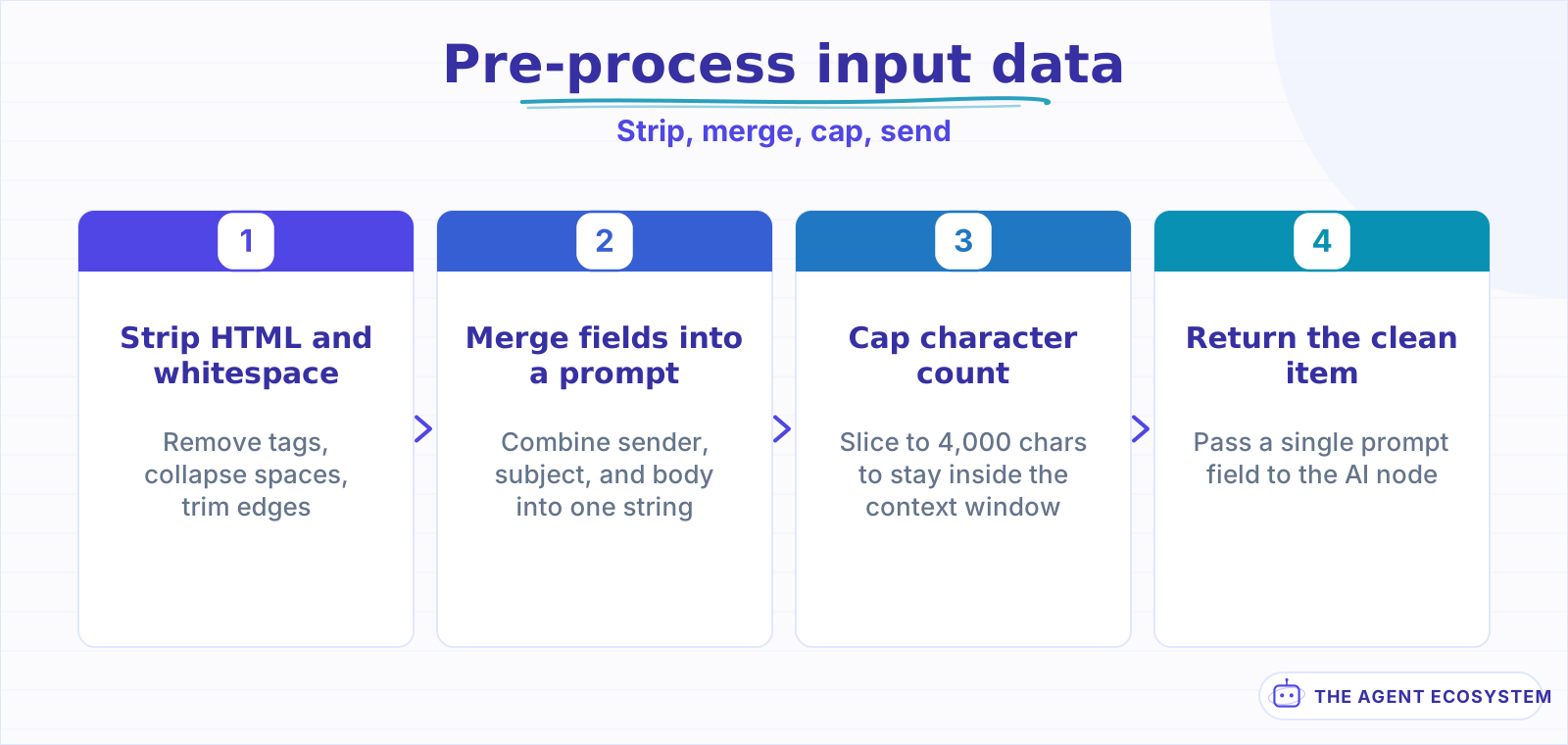 Strip the noise, merge the fields, and cap the length so the model gets clean input and you pay for fewer tokens.
How do you post-process the model's output with code?#
Place a Code node after the AI node to validate, transform, or enrich the model's response before downstream nodes consume it. Parse a JSON string the model returned inside markdown fences, normalize scores to a consistent scale, extract specific fields from free text, or merge the model's output with the original input for a complete record.
The most common post-processing need is extracting JSON from the model's response. Even with a Structured Output Parser, models sometimes wrap the JSON in markdown fences or add commentary. A Code node handles that reliably:
const items = $input.all();
return items.map(item => {
  let text = item.json.text || '';
  const match = text.match(/```(?:json)?\s*([\s\S]*?)```/);
  if (match) text = match[1];
  const parsed = JSON.parse(text.trim());
  return { json: { ...item.json, parsed } };
});
Another pattern is enriching the model's output with data it did not have. The model classifies a ticket; the Code node looks up the SLA for that category and attaches a deadline. The model scores a lead; the Code node converts the score into a routing label. Keep the model on the creative side and the Code node on the mechanical side.
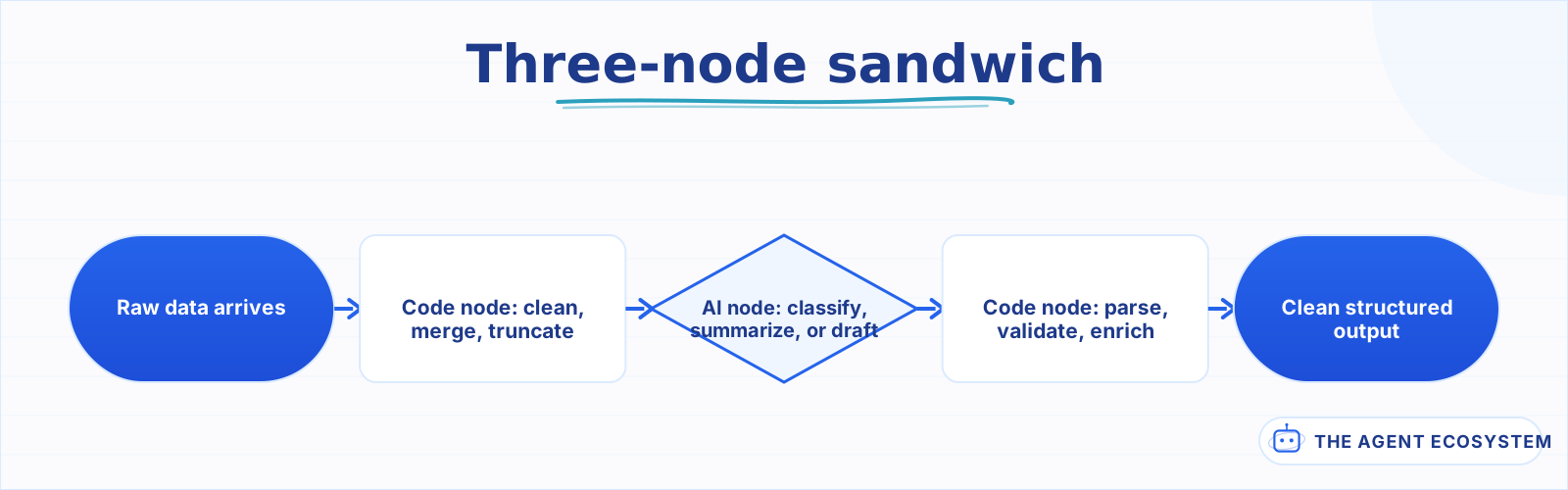 Pre-process, generate, post-process. The deterministic layers contain the nondeterministic step so each part is testable on its own.
How do you build dynamic prompts from variable-length data?#
Use a Code node to assemble a prompt from data that varies in shape or length, like a list of items or a conversation history that needs trimming. The Code node builds the prompt string with logic the Set or Edit Fields nodes cannot express, then passes it to the AI node as a single input.
A practical case: you want the model to compare 3 to 8 products from a database query. The prompt needs a numbered list of products with their specs, but the count varies per run. A Code node builds it:
const products = $input.all();
const list = products.map((p, i) =>
  `${i + 1}. ${p.json.name}, $${p.json.price}/mo, ${p.json.features}`
).join('\n');
return [{
  json: {
    prompt: `Compare these products and recommend the best fit:\n\n${list}`
  }
}];
The same pattern works for trimming conversation memory to fit a context window. If your memory buffer grows past 8,000 tokens, a Code node can drop the oldest messages until it fits, or summarize the early turns into a single paragraph before passing the trimmed history to the agent.
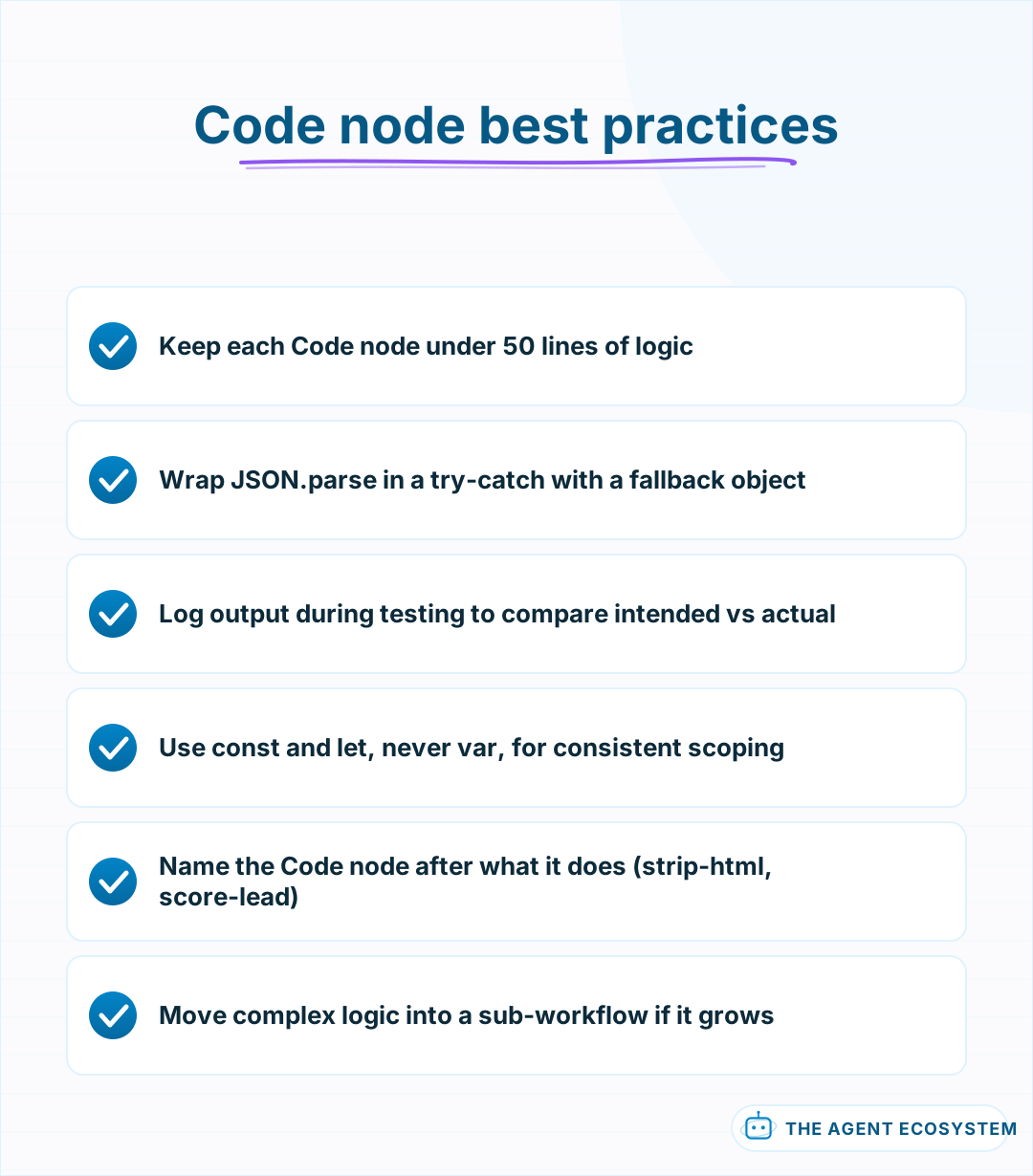 Follow these rules to keep Code nodes maintainable and debuggable as the workflow grows.
When should you reach for a Code node versus a built-in node?#
Reach for the Code node when the task is deterministic and the visual nodes would need more effort than writing the function. If the task needs language understanding or judgment, use an AI node. If it needs exact string manipulation, math, or an API call without a native n8n node, reach for code.
A good rule of thumb: if you catch yourself writing a prompt that says "reformat this date" or "calculate the percentage," stop and use a Code node instead. The model will get it right most of the time, but a function gets it right every time, runs in milliseconds, and costs zero tokens.
The pattern scales cleanly. Pre-process with a Code node, generate with an AI node, post-process with another Code node. That three-node sandwich is the backbone of reliable AI workflows because it keeps the nondeterministic step contained between two deterministic ones, and you can test and debug each layer independently.
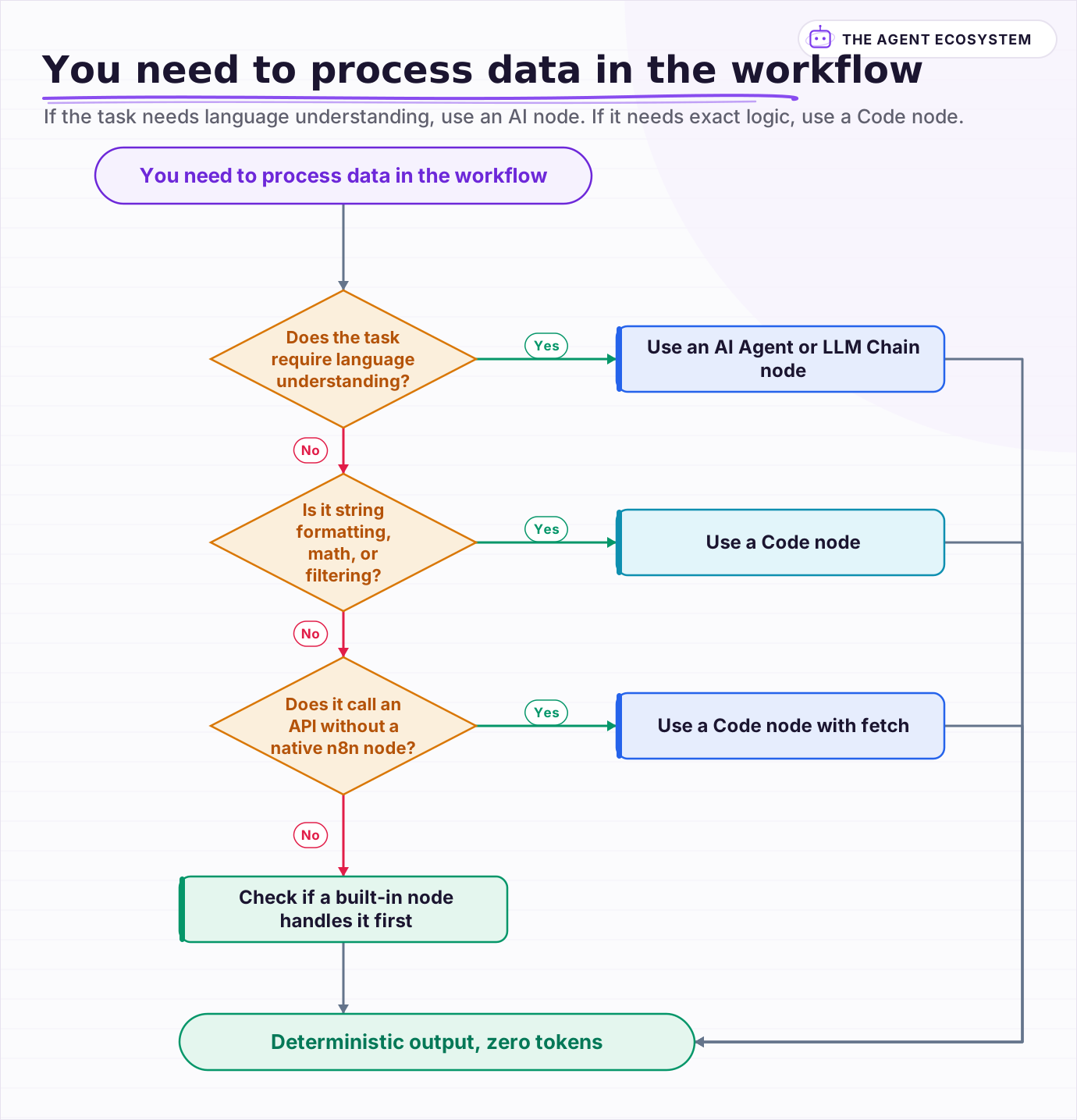 If the task needs language understanding, use an AI node. If it needs exact logic, use a Code node. Ask whether the answer should be identical every run.
Frequently asked questions
When should I use a Code node instead of an AI node in n8n?
Can the n8n Code node call external APIs?
How do I parse JSON from an LLM response in a Code node?
Does the Code node support Python in n8n?
How many lines of code should an n8n Code node have?
Sources
Primary references and vendor documentation used while drafting and reviewing this article.
Written by

Muhammad Qasim Hammad is an AI agent and automation expert and the founder of Cart Gaze LLC (cartgaze.com). He builds product for the love of it: when an idea lands, a working prototype is usually running within hours, built with the same AI agents and automations he sells. He puts his own output at roughly 20× what it was before agents, and the Agentic OS behind this site is the working proof, documented in public with the tools he actually ran and what they really cost.
AI & Automation Services
Want a pipeline like this running in your business?
I'm Qasim — I design and ship AI agents and n8n automations for solo operators and small teams. Tell me what's eating your team's week, and I'll scope a fix.
Related reading
n8n AI Automation Ideas: 8 Agent Workflows Worth Building (2026)
Finished the n8n AI tutorial and wondering what to actually build? These 8 n8n AI automation ideas come with the exact nodes, the honest Chain-vs-Agent call, and the right Claude model for each job.

How to Use the Basic LLM Chain in n8n (Your First AI Step)
The n8n Basic LLM Chain is the simplest AI building block: one prompt in, one model response out, no tools, no memory, no loops. Wire it up in minutes and keep your token bill predictable at about $1.40 per 1,000 calls on Claude Haiku 4.5.
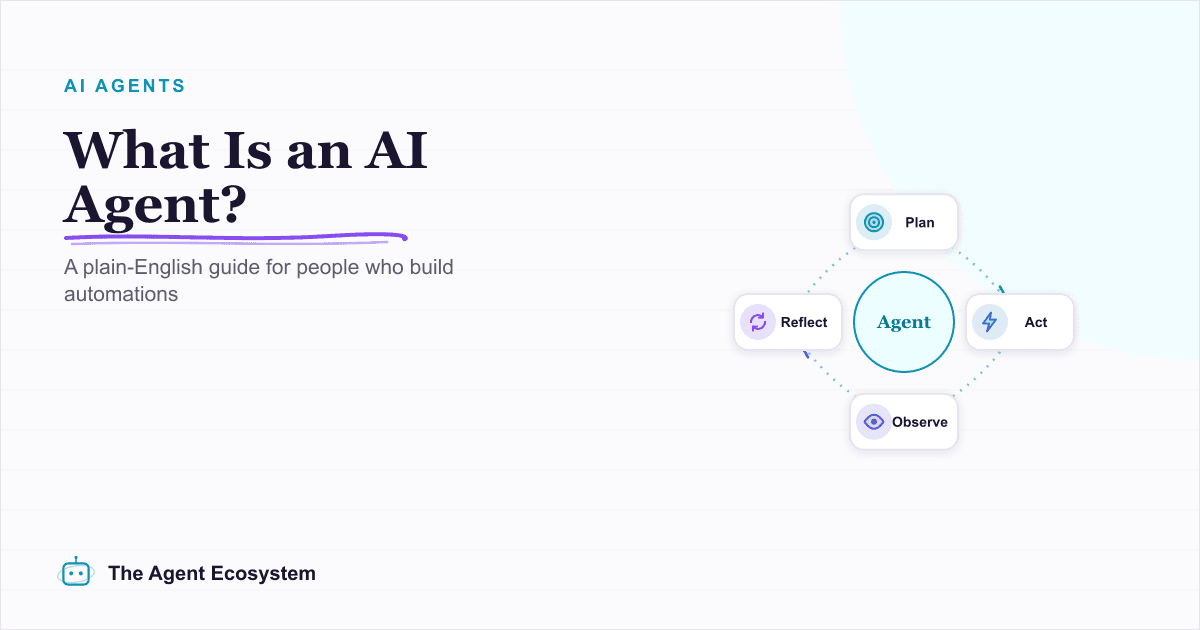
What Is an AI Agent? A Plain-English Guide for Builders
An AI agent is a language model running in a loop that decides its own next action, not a chatbot and not a chain. Here is how the perceive-decide-act-observe loop works, how an agent differs from a chatbot, chain, and workflow, and a checklist for when you actually need one.
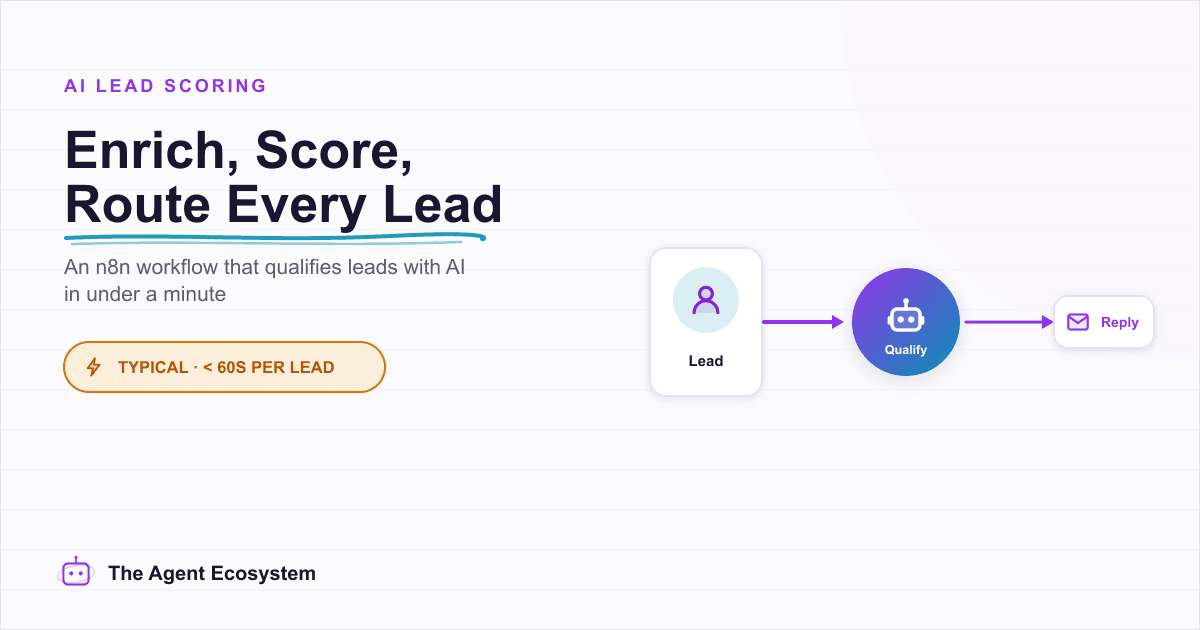
n8n AI Lead Enrichment: Score and Route Every New Lead Automatically
A new lead arrives with nothing but a name and email. An n8n workflow pulls company data, scores the lead with an AI agent against your ICP, and routes it to the right rep or drip sequence before anyone opens a browser tab.
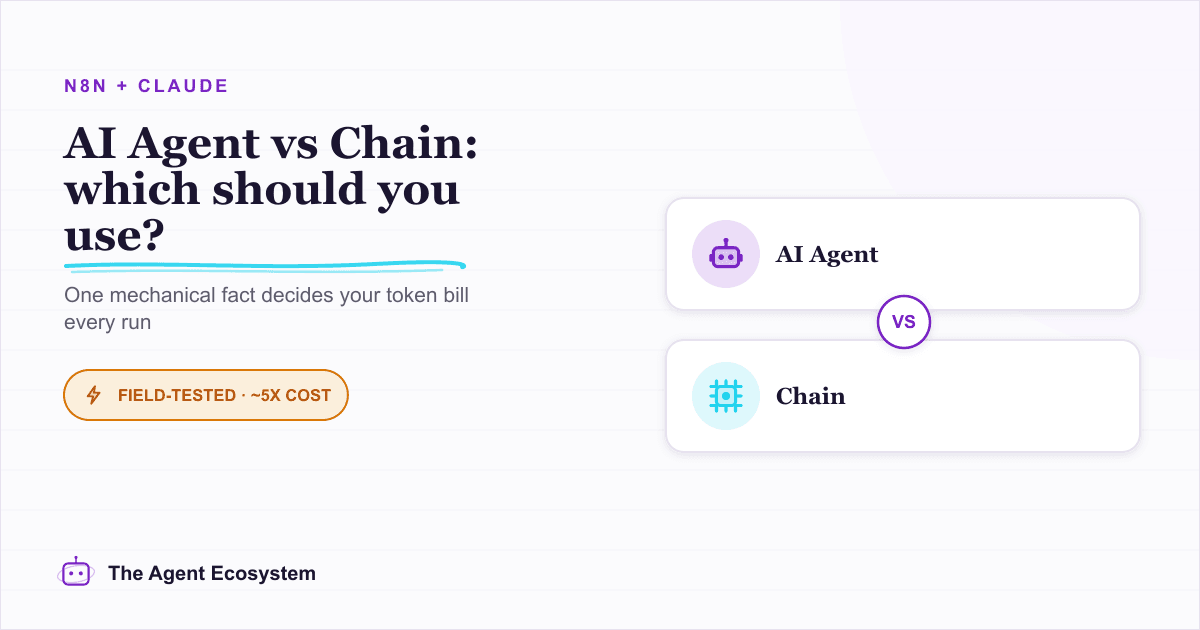
n8n AI Agent vs Chain: Which Should You Use? (2026)
Every n8n builder reaches for the AI Agent by reflex, but a Basic LLM Chain costs roughly 5x less per 1,000 runs on Haiku 4.5. Learn the one mechanical rule that decides which node to use.
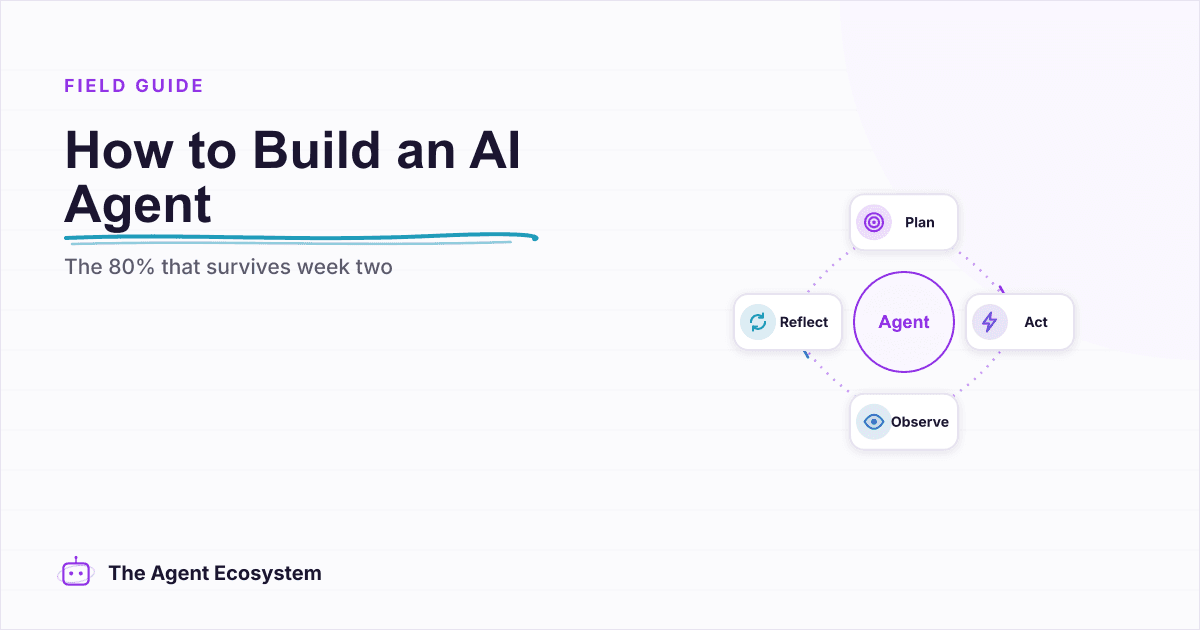
How to Build an AI Agent: The 80% That Survives Week Two
Most tutorials get you a working agent in ten minutes and skip what breaks it in week two. Sixteen lessons covering the loop, tool descriptions, memory, fallbacks, guardrails, evaluation, and the cost levers that decide your bill.