Computer-Use Agents in 2026: What Works, What Breaks
Agents that click and type are shipping. Here's what they handle, and the guardrails they need.
AI-drafted, reviewed by Muhammad Qasim Hammad on July 10, 2026. See our AI disclosure.
Table of contents
The flashiest agent demos of 2026 are not chatbots. They are agents that open a browser, click through a real app, and finish a task a person used to do by hand. The capability is real and shipping. So is the failure rate, which is why running one well is mostly about the guardrails you put around it.
What is a computer-use agent?#
A computer-use agent operates software the way a person does: it reads the screen, then moves the mouse, types, and clicks to get a task done. Instead of calling an API, it drives the real interface, which lets it work in apps that never exposed one. Meta's Muse Spark 1.1 made this a headline feature in July 2026.
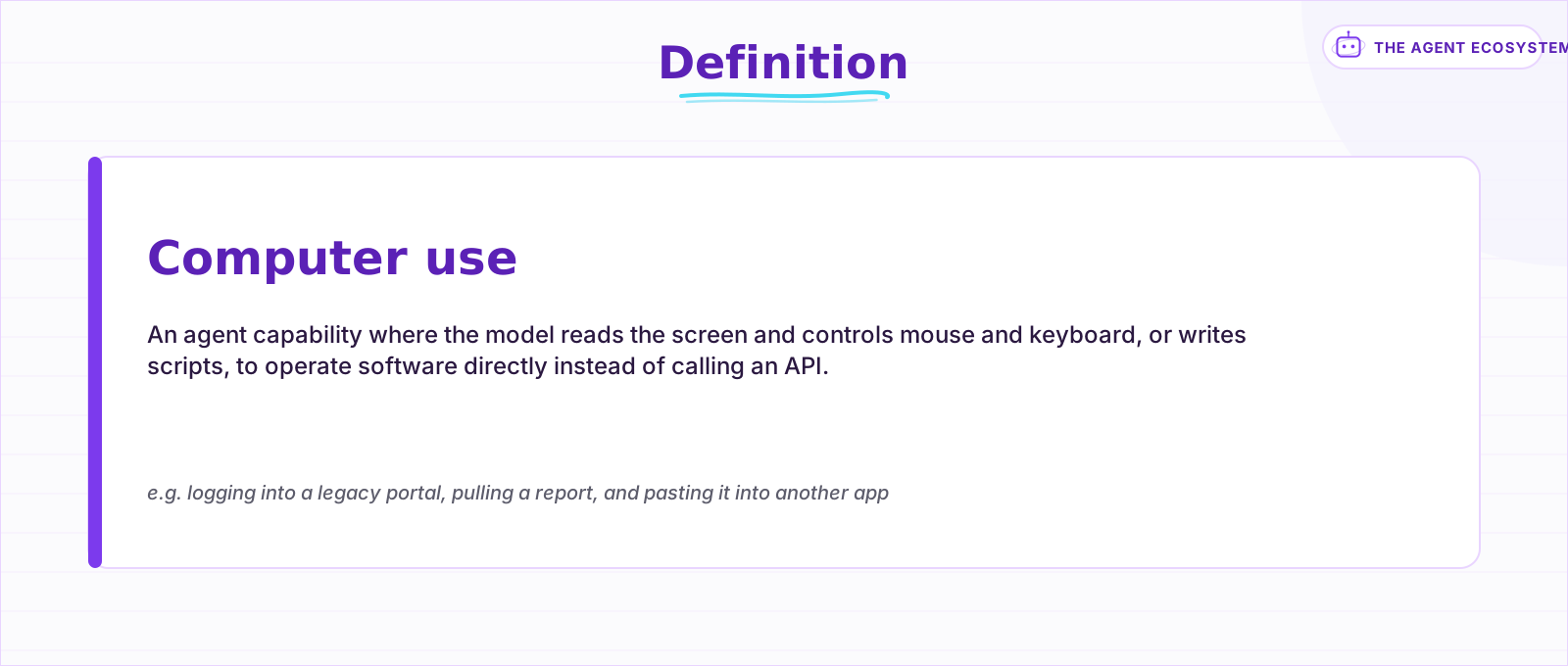 The capability in one line. It trades API access for the ability to drive any interface a person can.
If you are new to the wider category, start with what an AI agent is; a computer-use agent is that same loop of perceive, decide, and act, with the screen as its input and mouse and keyboard as its hands. The recent, concrete example is Meta's Muse Spark 1.1, which pairs computer use with parallel subagents, but the capability has been maturing across frontier models for over a year.
What can computer-use agents actually automate?#
Their sweet spot is work that has no clean API: legacy desktop apps, internal dashboards, and flows that cross several tools. A computer-use agent can log into a portal, pull a report, paste it into another system, and repeat, the glue work that usually falls to a person. The catch is that the same flexibility makes it fragile.
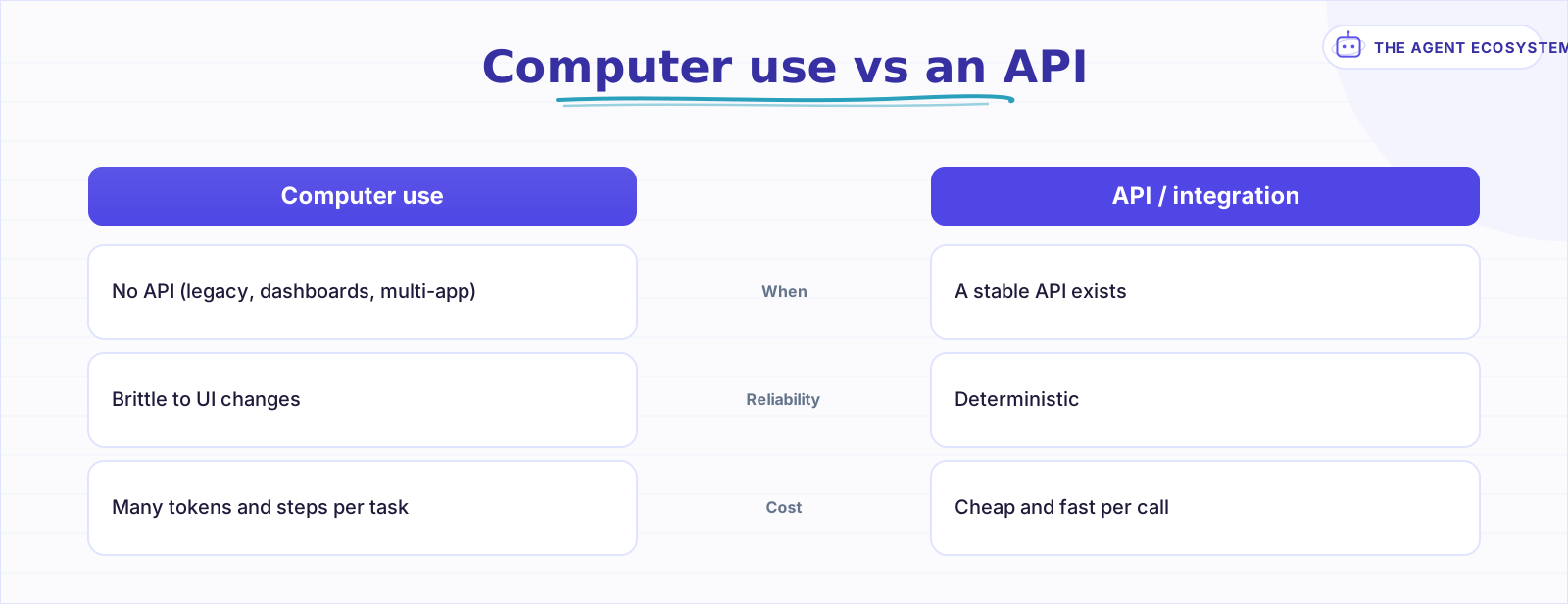 Reach for an API whenever a stable one exists; save computer use for interfaces that never exposed one.
The 2026 field gives you a few serious options, each with a different strength. The table below is a snapshot; capabilities and names change quickly, so confirm the current state before you build.
| Option (2026) | Strong at | Note |
|---|---|---|
| Claude computer use | Portable screen, mouse, and keyboard across VMs | Cross-platform, no OS lock-in |
| OpenAI ChatGPT Agent / Codex | macOS desktop, parallel background sessions | Standalone Operator folded into ChatGPT Agent in 2025 |
| Meta Muse Spark 1.1 | Multi-app flows with parallel subagents | New in July 2026, public preview |
The decision that matters is not which model, but whether the task should use computer use at all. If a stable API exists, use it; it is faster, cheaper, and more reliable than driving a UI.
Why do they still break?#
Because reliability lags capability. Benchmarks like OSWorld show big gains, but real interfaces change, pages load slowly, and one moved button can derail a script. Screen content is also an attack surface: text an agent reads can carry instructions it should ignore. And every step costs tokens and time, so long tasks get slow and expensive.
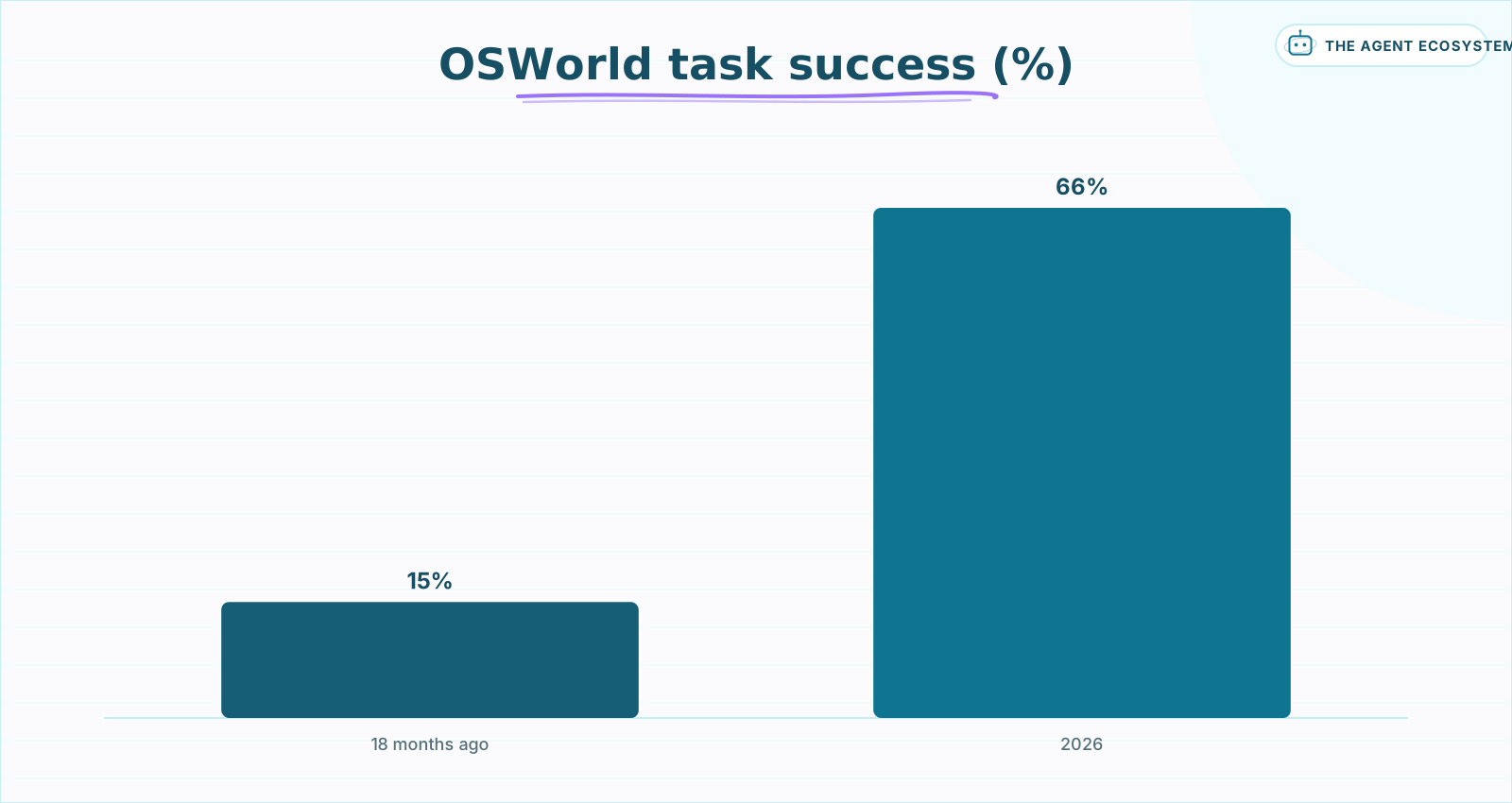 Computer-use task success on OSWorld, per public 2026 reporting. Approximate and volatile; verify current figures.
The progress is real. Public reporting on OSWorld puts computer-use task success at roughly 15% eighteen months ago and in the mid-60s by 2026, a genuine leap. But mid-60s success on a benchmark means a meaningful share of real tasks still fail, and the ones that fail can do so in expensive ways. The prompt-injection angle is the sharpest: on-screen text is untrusted input, so read it the way you would in any prompt-injection defense, never as a trusted command.
How do you run one safely?#
Design for the failure rate, not the demo. Run the agent in a sandbox or VM that cannot touch production, and require human approval before any consequential action like a payment, a deletion, or a message send. Scope its permissions to the minimum, verify each step's result, and treat everything on screen as untrusted input.
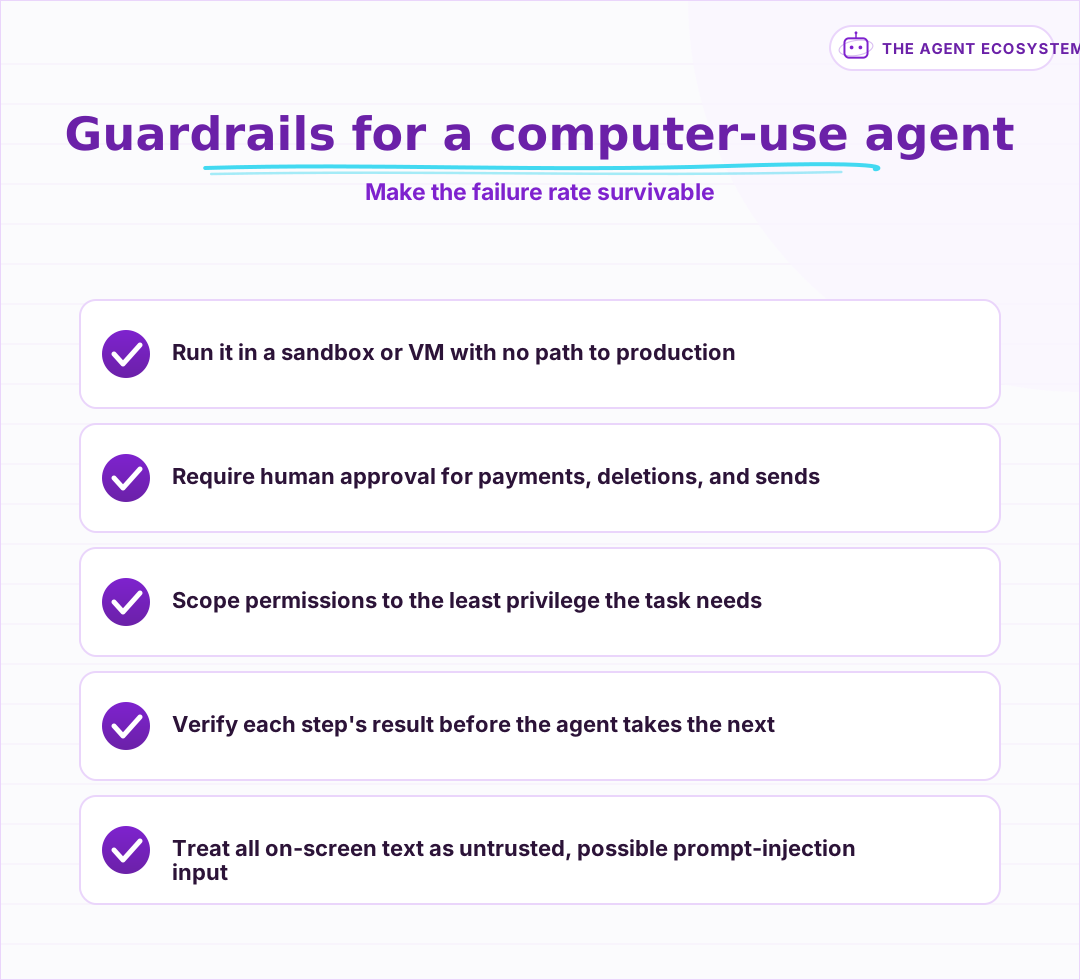 The guardrails, not the raw capability, decide whether a computer-use agent is safe to run.
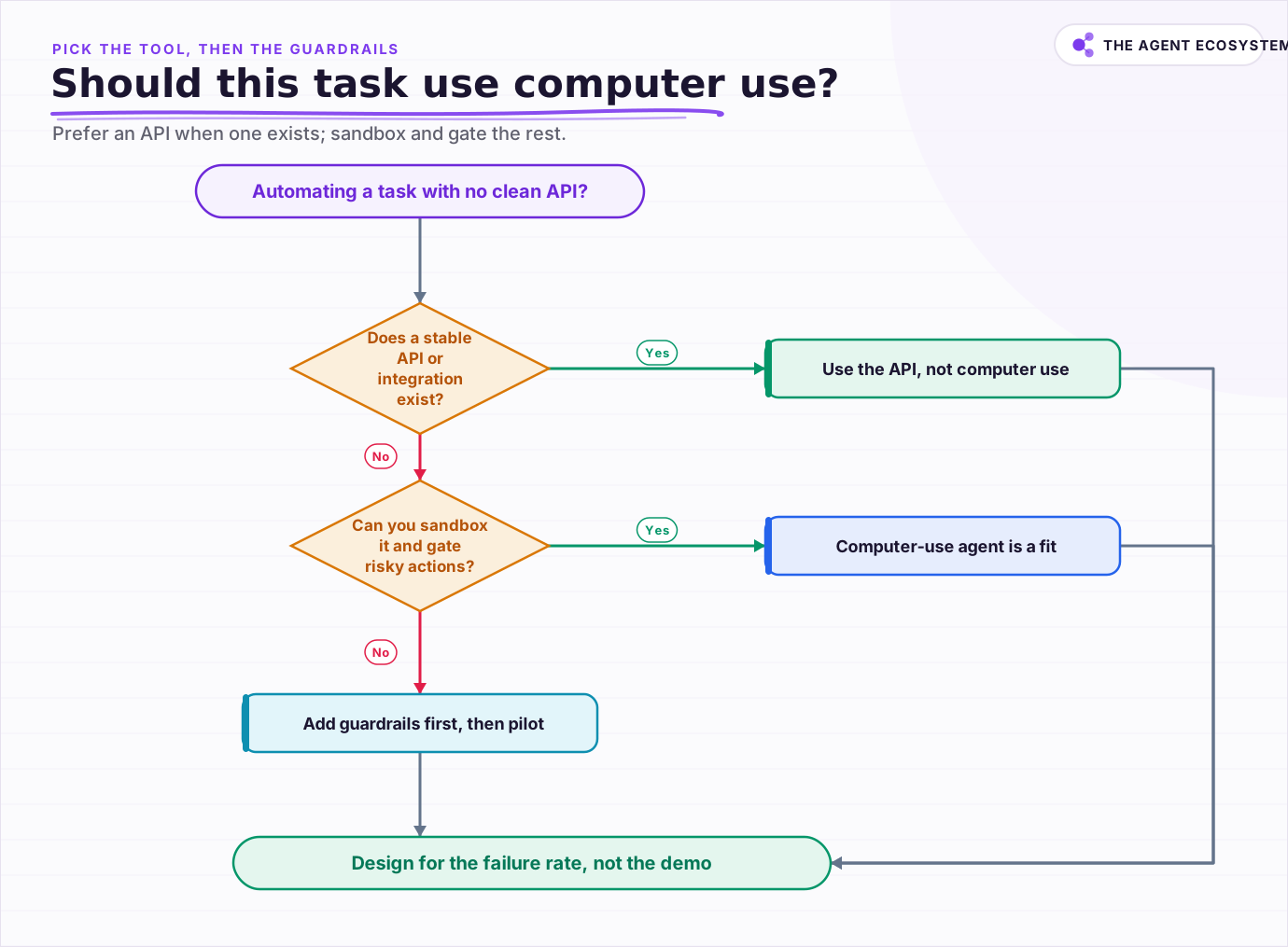 Prefer an API when one exists; use computer use only behind a sandbox and human approval.
What is the practical move?#
Use computer use where no API exists, and reach for an API everywhere else. It is the right tool for legacy and cross-app glue work, but it is slower, costlier, and more brittle than a direct integration. Pick it on purpose, wrap it in guardrails, and measure its real error rate before you trust it with anything that matters.
The teams shipping durable computer-use agents are not the ones with the best demo. They are the ones who assumed the agent would fail a fair share of the time and built the sandbox, the approvals, and the checks that make those failures cheap. Treat the capability as powerful but junior: supervise it closely, expand its rope slowly, and let its measured reliability, not the launch video, decide how much you hand it.
Frequently asked questions
What is a computer-use agent?
What can computer-use agents automate well?
How reliable are computer-use agents in 2026?
What are the biggest risks with computer-use agents?
How do I run a computer-use agent safely?
Sources
Primary references and vendor documentation used while drafting and reviewing this article.
Written by

Muhammad Qasim Hammad is an AI agent and automation expert and the founder of Cart Gaze LLC (cartgaze.com). He builds product for the love of it: when an idea lands, a working prototype is usually running within hours, built with the same AI agents and automations he sells. He puts his own output at roughly 20× what it was before agents, and the Agentic OS behind this site is the working proof, documented in public with the tools he actually ran and what they really cost.
AI & Automation Services
Want a pipeline like this running in your business?
I'm Qasim — I design and ship AI agents and n8n automations for solo operators and small teams. Tell me what's eating your team's week, and I'll scope a fix.
Related reading
Meta Muse Spark 1.1: A Low-Cost Computer-Use Agent Model
On July 9, 2026, Meta put a frontier-class model behind a paid, self-serve API for the first time. Muse Spark 1.1 is agentic, handles computer use and parallel subagents, and undercuts GPT-5.6 and Fable 5 on price. An honest, dated read for builders.

Browser Agents Explained: Faster Than Computer Use, Until the DOM Breaks
Browser agents and computer-use agents both drive real interfaces, but they read the page in completely different ways: one asks the browser for a structured list of elements, the other looks at a screenshot and guesses. That difference is why a DOM-aware browser agent is
Coding Agents Have 4 Autonomy Levels. Most Teams Never Leave Level 2.
The tool you pick is not what decides the risk, the autonomy level is. This is a tool-agnostic, 4-level framework for how much a coding agent should actually be allowed to do, from a diff that waits for your approval to a merge and deploy with no human step at all, grounded in
Blast Radius: Sandboxing and Permissions for AI Agents
An AI agent with real tool access is only as safe as its weakest credential and its execution boundary. This post covers the containment half of agent security: scoping every tool to its own narrow credential instead of one shared key, and running anything that executes code
Claude Code vs Codex vs Gemini CLI: Terminal AI Agents Compared
Three terminal AI coding agents compete in 2026: Claude Code, OpenAI's Codex CLI, and Google's new Antigravity CLI after Gemini CLI retired on 18 June. This honest comparison covers the model behind each, MCP and sandbox support, and what the usable tier really costs.
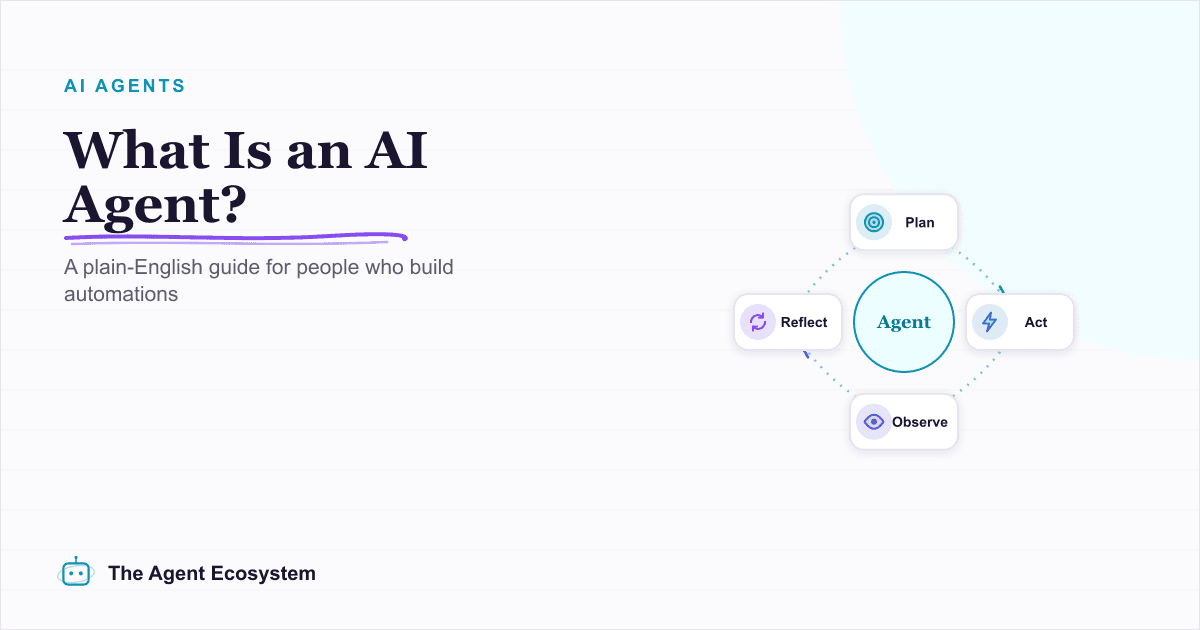
What Is an AI Agent? A Plain-English Guide for Builders
An AI agent is a language model running in a loop that decides its own next action, not a chatbot and not a chain. Here is how the perceive-decide-act-observe loop works, how an agent differs from a chatbot, chain, and workflow, and a checklist for when you actually need one.