How Solopreneurs Automate Client Onboarding with AI
Save hours every week by letting AI handle the repetitive handoff work, without losing the personal touch.
AI assisted the draft; Qasim Hammad tested, edited, and fact-checked it. See our AI disclosure.

Signing a new client is the highlight of any solopreneur's week. The hour that follows, copying contact details into a spreadsheet, writing the same welcome email for the fifteenth time, chasing a signed contract, is not.
That gap between winning business and actually starting work is where a lot of solo operators quietly bleed time. The good news: AI and no-code automation tools have made it genuinely practical to wire up a client onboarding system that runs itself, without a team or a developer.
Here's exactly how to do it.
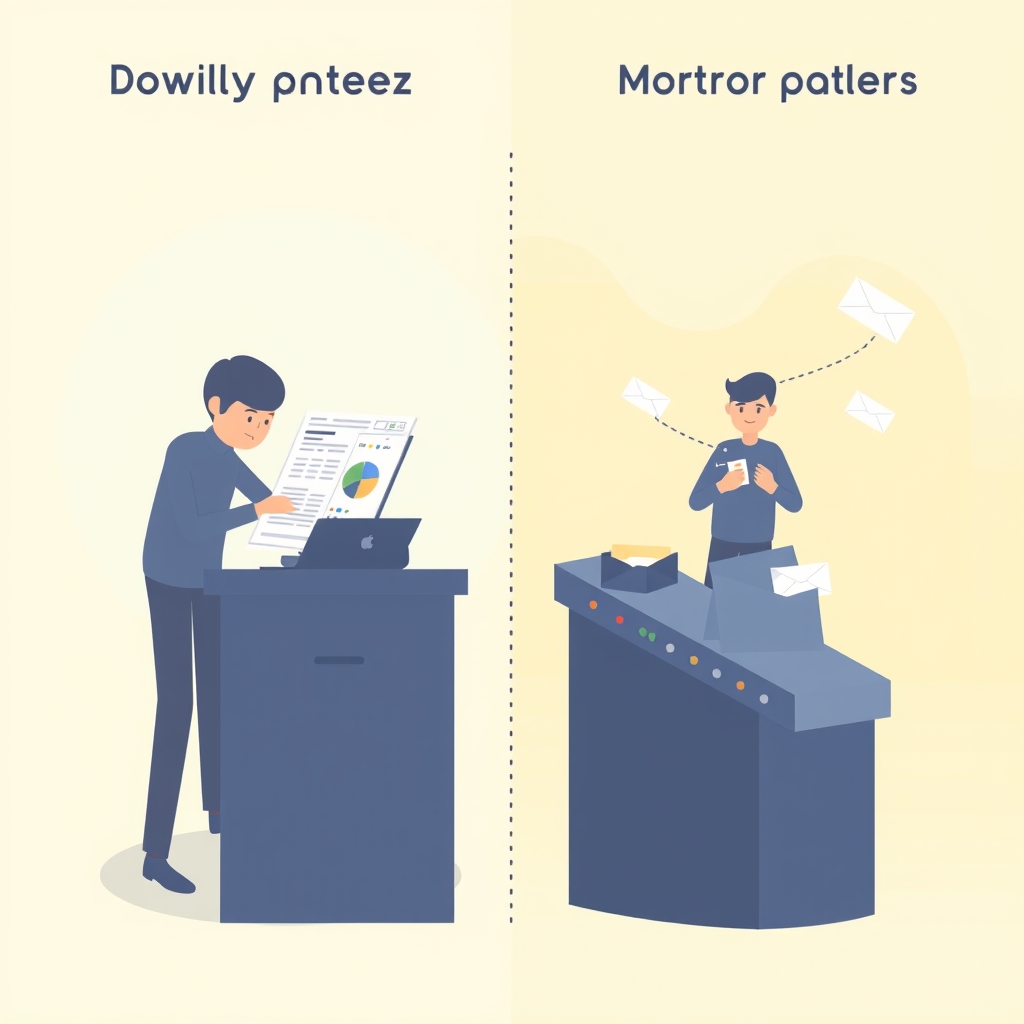 The gap between winning a client and starting work is where solo operators quietly lose time.
What Does Automated Client Onboarding Actually Mean?
Automated client onboarding is the process of using software, often with an AI layer, to handle the repetitive, sequential tasks that happen every time a new client comes on board. Think: confirmation emails, intake questionnaires, contract delivery, invoice sending, and kick-off call scheduling.
The goal isn't to remove the human element entirely. It's to automate the predictable steps so your energy goes toward the work only you can do.
For solopreneurs specifically, this matters more than for agencies with admin staff. Every hour spent on onboarding admin is an hour not spent on billable work or business development. According to HubSpot's State of Service report, poor onboarding is one of the top reasons clients churn early, meaning a slick, consistent process also protects your revenue.
What Should Your Onboarding Flow Include?
A solid onboarding sequence covers six core steps, in roughly this order:
- Confirmation message, immediate acknowledgment that you received their payment or agreement
- Intake form, collects project details, brand info, logins, or whatever you need to start
- Contract and invoice, legally protects both parties and secures payment
- Welcome guide or client portal link, sets expectations and answers common questions upfront
- Kick-off call invitation, self-booked via a scheduling link
- Follow-up nudge, automated reminder if they haven't completed any of the above
Every step in this list can be automated. The tools to do it are cheaper and easier to use than most people expect.
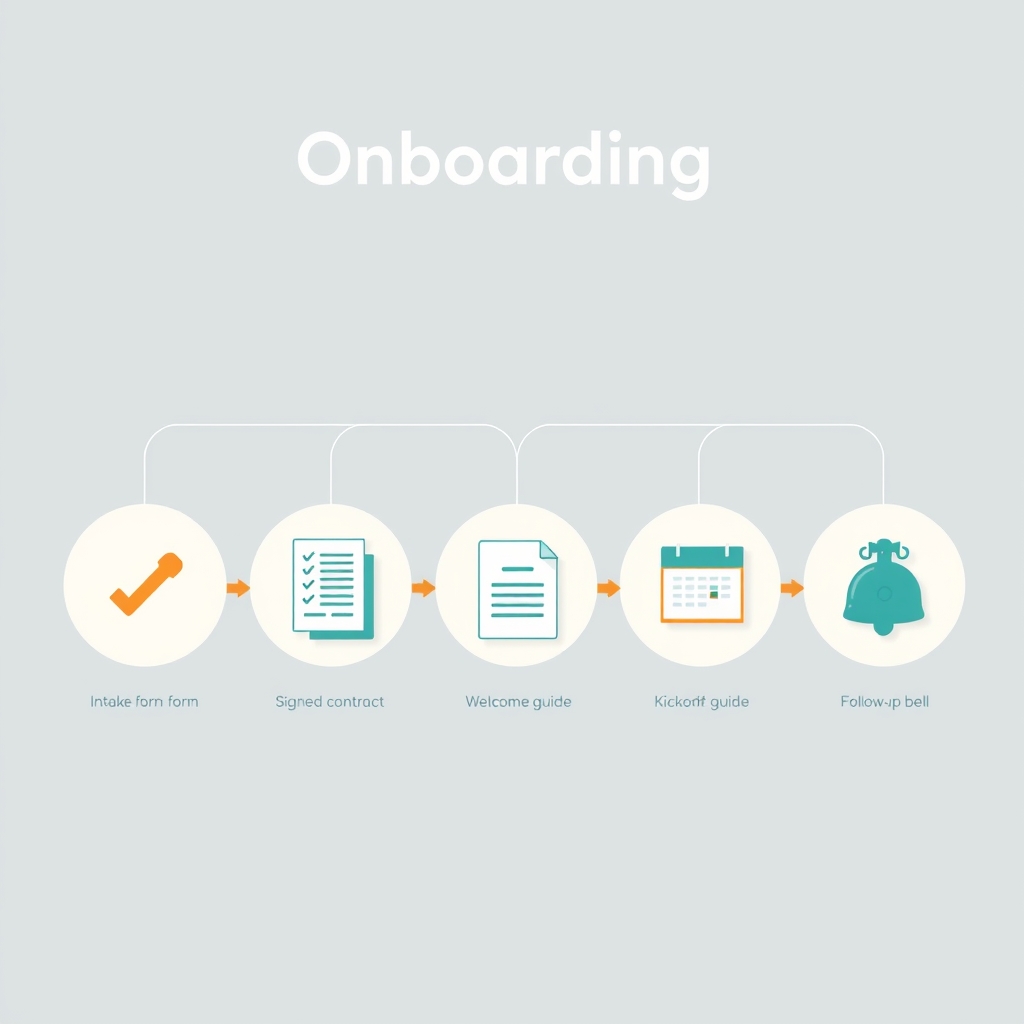 A solid onboarding flow moves through six predictable steps, each one automatable.
Which Tools Do Solopreneurs Actually Use?
You don't need an enterprise tech stack. Most solo operators build their entire automated onboarding flow with two or three tools.
All-in-one CRM platforms
HoneyBook and Dubsado are purpose-built for freelancers and solopreneurs. Both let you create workflows that trigger automatically when a lead becomes a client, sending contracts, invoices, questionnaires, and emails in sequence without touching anything manually. HoneyBook's AI features (introduced in 2023) can even draft client emails based on context.
Connector tools (for custom stacks)
If you already use separate tools, say, Typeform for forms and Gmail for email, Zapier or Make (formerly Integromat) act as the glue. A new Typeform submission can automatically create a contact in your CRM, send a welcome email, generate a contract in PandaDoc, and add a task to your project board. All without writing a line of code.
AI writing assistants
ChatGPT or Claude can draft your welcome email templates, write your client welcome guide, and even generate contract language to review with a lawyer. The key is building these drafts once, loading them into your automation tool, and letting merge fields handle personalization (client name, project type, start date).
Here's a quick comparison of the main platform options:
| Tool | Best For | Price Range | AI Features |
|---|---|---|---|
| HoneyBook | All-in-one freelancer CRM | ~$19, $79/mo | AI email drafting |
| Dubsado | Custom workflow builders | ~$20, $40/mo | Limited, template-focused |
| Zapier | Connecting existing tools | Free, $49+/mo | AI steps via OpenAI |
| Make | Complex multi-step flows | Free, $29+/mo | Flexible AI integrations |
| 17hats | Budget-friendly solopreneurs | ~$15, $60/mo | Basic automation |
How to Build Your First Automated Onboarding Flow
Ready to build? Follow these steps in order, don't try to automate everything at once.
Step 1: Map what you currently do manually
Before touching any tool, write down every task you complete when a new client says yes. Be specific. "Send welcome email" is too vague, note what's in that email, what triggers it, and what you're waiting for before you send it.
This map becomes your automation blueprint.
Step 2: Pick your trigger
Every automation starts with a trigger, the event that kicks everything else off. For most solopreneurs, this is a form submission (intake questionnaire), a payment confirmation, or a signed contract.
Typeform, JotForm, and the native forms inside HoneyBook or Dubsado all work well as triggers.
Step 3: Layer in AI for personalization
This is where it gets interesting. Instead of a generic "Hi [FirstName], thanks for signing up" email, you can use a tool like Zapier's AI step or a direct OpenAI API connection to generate a more personalized message based on the client's form answers.
For example: if a client says they run a sustainable fashion brand and need help with Instagram content, your AI-generated welcome email can reference their niche specifically, not just swap in their name.
Step 4: Automate contract and invoice delivery
Once the intake form is submitted, your CRM or a dedicated tool like PandaDoc or DocuSign should auto-populate and send a contract. The client e-signs it; you get notified. No email chains, no PDF attachments, no chasing.
Set a 48-hour conditional reminder: if the contract isn't signed, an automated follow-up sends itself. This alone saves most solopreneurs 30-60 minutes per client.
Step 5: Send a welcome guide and kick-off call link
A well-crafted welcome guide (a PDF or Notion page works fine) answers the top ten questions new clients always ask. Send it automatically with the contract confirmation. Embed a Calendly or TidyCal link so they can self-book the kick-off call.
The client feels taken care of. You've done zero manual work.
Common Mistakes Solopreneurs Make When Automating Onboarding
Over-automating from day one
Trying to automate every edge case before you understand your process leads to a fragile, confusing system. Start with the core three-step loop, intake form → contract → welcome email, and add complexity only when you see a recurring gap.
Using merge fields without testing them
Nothing undermines a "personal" welcome email faster than "Hi {FirstName}," landing in a real inbox. Test every automation with a dummy account before going live. Check every merge field, every link, every attachment.
Making the tone too robotic
An automated email doesn't have to sound automated. Write your templates in your actual voice, contractions, short sentences, maybe a touch of humor if that's your style. AI tools can help you refine tone; just don't accept the first generic draft.
Forgetting the human moment
Automation should handle admin. You should still show up for the moments that build the relationship: a short personal video in the welcome email, a genuine kick-off call, a check-in message at the end of week one. These can't be automated without losing their effect.
How Much Time Can You Actually Save?
This depends on how complex your current onboarding is, but the math is straightforward. If each manual onboarding takes 90 minutes and you bring on four clients a month, that's six hours of admin. A well-built automation reduces that to 15-20 minutes of oversight, freeing up nearly five hours monthly.
 Reducing onboarding to brief oversight can return nearly five hours every month.
Over a year, that's roughly 55-60 hours returned to you. Time you can spend on client work, building a new offer, or simply not working on a Sunday.
The goal of automation isn't to replace your judgment, it's to make sure your judgment only has to show up where it actually matters.
What to Do Next
Pick one step in your onboarding process that you repeat identically for every client, that's your starting point. Build a simple form, connect it to an email trigger using Zapier or your CRM, and test it on yourself before the next client arrives.
Once that single piece runs reliably, add the next step. Within a few weeks, you'll have a complete onboarding flow that makes you look more professional than most agencies, and costs you almost no ongoing time. The tools are ready; the only missing piece is your blueprint.
Frequently asked questions
What is automated client onboarding?
Which AI tools are best for solopreneur onboarding?
Can I automate onboarding without coding?
How long does it take to set up an automated onboarding system?
Will automation make my onboarding feel impersonal?
What should every automated onboarding sequence include?
Is automated onboarding suitable for all client types?
Related reading

Ollama vs LM Studio vs Jan: Best Local LLM Tool for 2026
Running a local LLM cuts your AI API bill to $0 and keeps client data off third-party servers. This breakdown of Ollama, LM Studio, and Jan tells you exactly which tool fits a solo operator's workflow.
Best Free AI IDEs in 2026: Truly Free vs Free-Trial
Most "free AI IDE" lists mix up four completely different things. This guide splits 11 tools into truly free, BYOK, freemium, and trial-only, so you know exactly what you're getting before you build.

How Solopreneurs Use AI to Automate Lead Follow-Up
Running solo doesn't mean slow. Discover how solopreneurs are using AI tools to automate lead follow-up, respond instantly, and grow revenue without extra headcount.